Try our new VRII: Bluegrass Stems App Learn More

Vocal Removal &
Instrument Isolation (VRII)

2nd Generation model (upgraded 2026)
Purpose-built Banjo and Fiddle Algorithms
FIRST SONG FREE
UNLIMITED 30 SECOND TRIALS
SUBSCRIBERS GET FULL LENGTH DOWNLOADS

What is VRII?

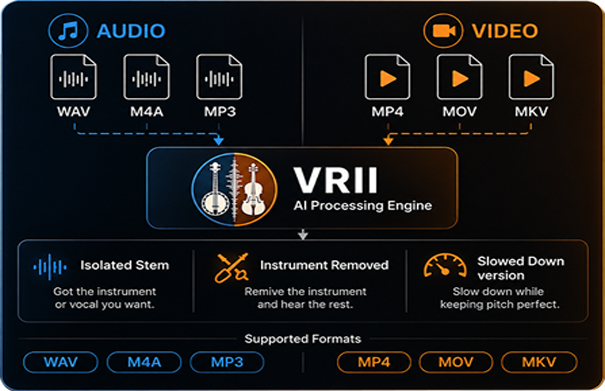
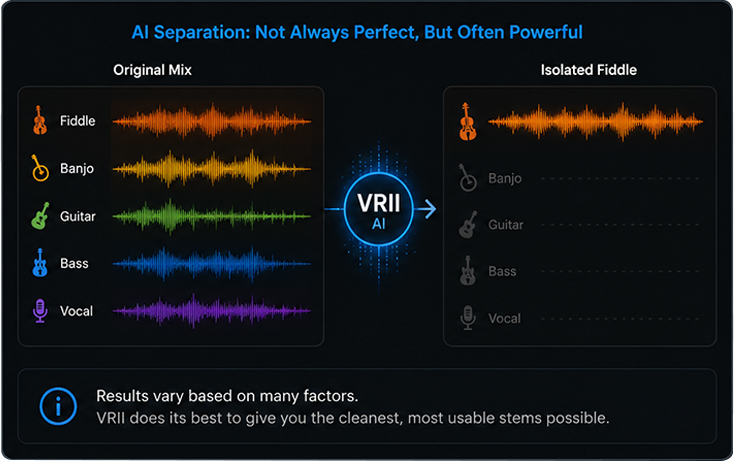
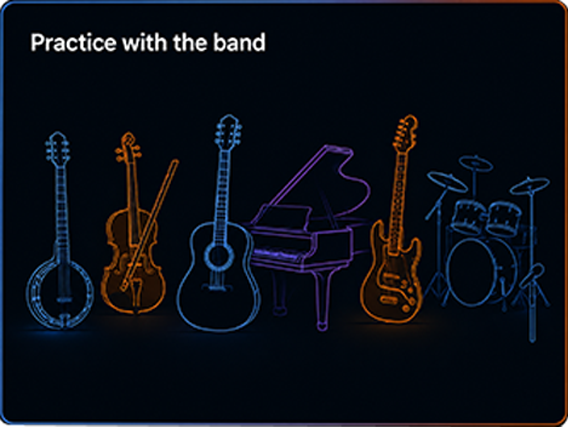
The VRII App, which stand for Vocal Removal and instrument Isolation, is a small application available for Windows and Mac (OSx) computers. This app uses artificial intelligence (AI) and can process multi-instrument mixed-down audio file tracks and separate the instruments found in this mix. Currently, VRII can isolate the following instruments.

Our VRII stem separation process contains three unique features.

  1. It can process a video file and return the separated stems as either audio files or video files. For video files, VRII will extract the audio channel, process the isolated instrument, and then merge the processed audio back with the same video channel.
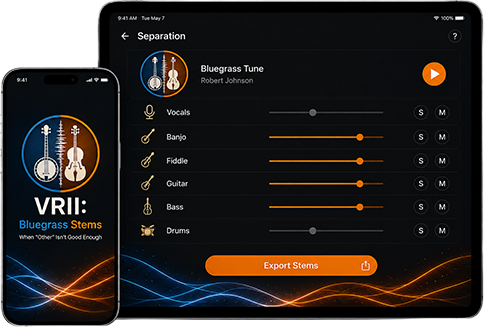
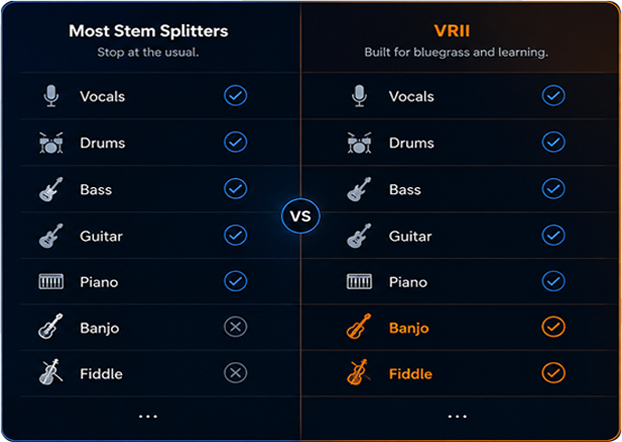
  2. It contains two unique, purpose-built algorithms: Banjo and Fiddle. All other stem splitters focus on common instruments and lump everything else into a generic “Other” stem. But if you are trying to learn a Banjo roll or a Fiddle phrase, “Other” is not good enough.
  3. Our Trial includes the processing of one full length song (up to 5 minutes) absolutely Free.

How Does It Work

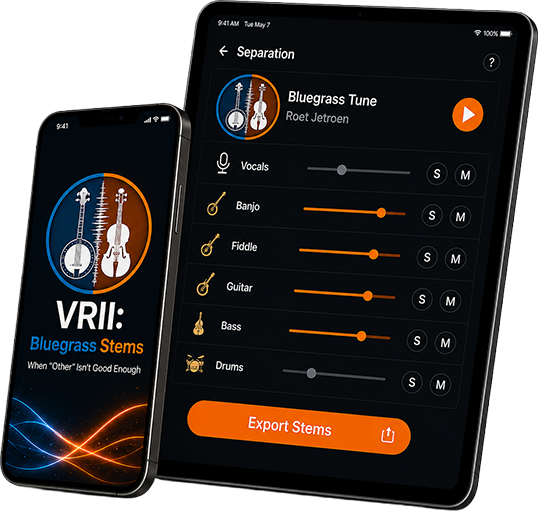
Using VRII is very simple. Since there are four ways to access this system, the exact steps to use the system may be slightly different but generally speaking they are as follows:

Step 1: Select a file to be processed

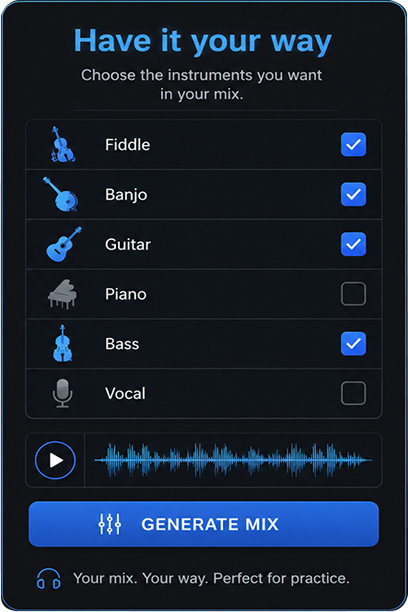
Step 2: Select the instrument you’d like to isolate or have removed.
Step 3: Select the “Process” button and the file will be uploaded to our VRII server where it will be prcessed. Two tracks will be returned to you. One track or file will contain only the isolated instrument. The second will contain the entire mix without the isolated instrument.

The quality of the files after processing is variable and depends upon many factors but, generally speaking, the files are of sufficiently quality to be very helpful for hearing and thus learning the specific notes for your instrument of choice.

VRII Access?

There are four ways to access our VRII System:

Install the app on your Mac (OSx) or Windows computer

Access it Online

Access it through Song Surgeon 6

Install it on your mobile device

For guest or trial users is limited to processing to ONE full song (5 minute limit) and an unlimited number of 30 second file previews. Once a subscription is purchased this restriction is lifted and you can process entire files.

The processing of files is very CPU intensive. To accomplish this efficiently the VRII App uploads your files to our server where they are processed and sent back to you. The VRII App coordinates all of this and when done saves the processed files. Due to the CPU and processing requirements a maximum of 10 files/customer/day can be processed through your account.

Examples of VRII Processed Files

Below are examples of what this tool can do. In each example there are three audio files: The original, the isolate instrument, and the mix without the isolated instrument.

Original
Vocals
Mix (without vocal)
Original
Vocals
Mix (without vocal)
Original
Vocals
Mix (without vocal)
Original
Vocals
Mix (without vocal)
Original
Guitar
Mix (without guitar)
Original
Guitar
Mix (without guitar)
Original
Guitar
Mix (without guitar)
Original
Guitar
Mix (without guitar)
Original
Bass
Mix (without bass)
Original
Bass
Mix (without bass)
Original
Bass
Mix (without bass)
Original
Bass
Mix (without bass)
Original
Drums
Mix (without drums)
Original
Drums
Mix (without drums)
Original
Drums
Mix (without drums)
Original
Drums
Mix (without drums)
Lewis Capaldi: You Loved
Original
Piano
Mix (without piano)
Original
Banjo
Mix (without banjo)
Original
Banjo
Mix (without banjo)
Original
Banjo
Mix (without banjo)
Original
Fiddle
Mix (without fiddle)
Original
Fiddle
Mix (without fiddle)
Original
Fiddle
Mix (without fiddle)